Home avatar

Dad's Tech Lab

Smart Home | Technology | Software Development

Welcome to Dad’s Tech Lab - my blog letting me share with you my experiences and thoughts about anything smart home, automation, technology, and software development. I’ve always had a love for technology, I’m rooted in software development, and over the years have branched out into networking, experimenting with my home lab, self-hosting, home automation, and this is my medium to share with you and to learn from you too!

Home Assistant + Matter Bridge: Smarter Connections, Fewer Headaches

Voice control isn’t mission-critical in my house, but when it breaks, you’d think my coffee maker was plotting against me. My smart home consists of two primary systems - Home Assistant and Google. I configured them to work together through Google Cloud Platform, and everything worked great… until it didn’t a few months ago. Because of dad life (and because duct tape only goes so far in the digital world), time and the fix had slipped away from me.

Goodbye Cloudflare Pages, Hello Workers: A Hugo Deployment Makeover - Plus Slack Notifications!

Recently, Cloudflare kept nudging me to migrate from Pages to Workers - and by “nudging,” I mean waving a persistent banner in my face like a toddler with a glitter-filled craft project. I’ve deployed a few sites to Pages and appreciated the simple setup, but after digging into Workers, I decided to give it a go. Let’s walk through the pros, the cons, and how I’ve reworked my CI/CD pipeline. As a cherry on top, I’ll show you how I wired up Slack to keep me posted on every build and deploy - because sometimes I like someone to notice my accomplishments.

Racks Not Required: A Dad’s Guide to Budget Home Labs

Back in the pre-dad days - when my biggest responsibility was remembering my Steam password - I had time to tinker with all kinds of tech. Phones got custom firmware, speakers played synchronized music in every room, and I even built a bluetooth garage door opener. These days? I’m lucky if I can open the fridge without an audience.

Still, the itch to tinker never left. Enter: the home lab - a middle-aged man’s playground, minus the Legos (mostly). I always want to keep developing skills and learning when I can. Setting up a simple home lab has helped do just that.

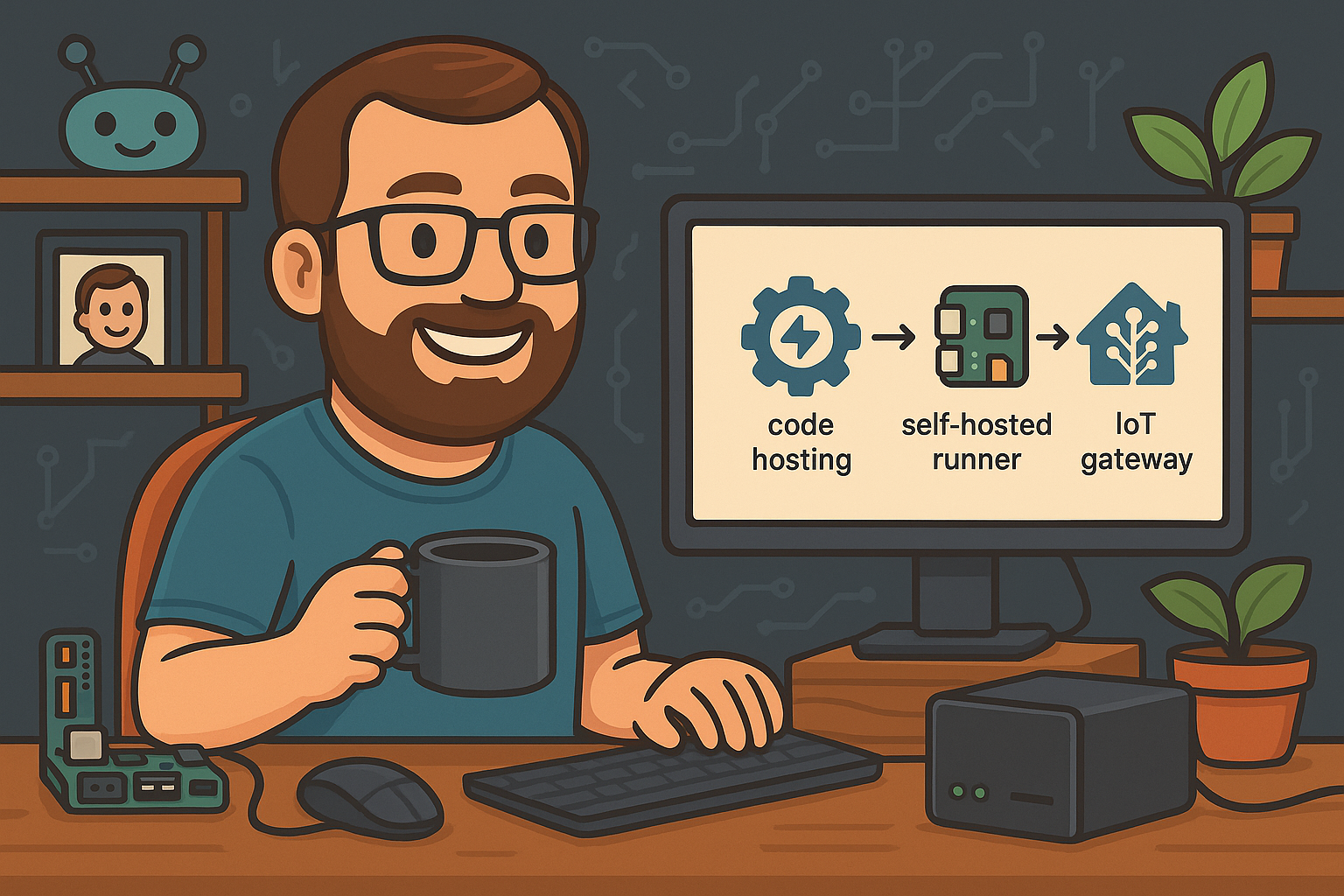
Automating Theengs Gateway with Github Action Runner

One thing that I’ve learned over the years is how valuable source control can be. Especially when learning something new, I wind up changing code or tweaking configurations until I get a better understanding how things work and to get things working how I want…but changes don’t always work out. Instead of undoing my changes manually, I love being able to just make commits and being able to roll back if needed, or even just comparing my changes.

Theengs to Try Out - BLE Sensors, Theengs Gateway, and Home Assistant

I know I haven’t introduced my home lab or smart home setup yet. But I recently bought a few new sensors and wanted to share some new theengs I set up.

See what I did there? 😉

Yes, I installed Theengs Gateway on a Raspberry Pi 4B so that it would act as a gateway between my bluetooth low energy (BLE) sensors and my smart home’s MQTT Broker. MQTT is a lightweight messaging protocol which is often used in IoT and smart home integrations. It does this via OpenMQTTGateway, and Theengs is like a wrapper around it so that it is easily stood up on a Raspberry Pi or other devices.

Deploying a Hugo Site with Cloudflare Pages: Custom Domains, Redirects, and CI/CD

I’ve used Cloudflare for what feels like ages - first for accessing my home lab (which at the time was a Raspberry Pi updating the ip address with DDNS), later at work to protect applications. Today, I use it for domains, DNS, tunnels, security, and more. It’s a very versatile tool for both hobby and business.

This is the first time I’ve used Cloudflare Pages. I thought about self-hosting a static site, and just using my Caddy reverse proxy or Nginx to serve up the static site. However, I thought I’d give Cloudflare Pages a shot because

Hugo Journey and Setup Guide

I have a habit of spending a good bit of time researching things before I take action. Whether it be making a purchase, deciding where to go on vacation, or even what to eat for dinner. Finding a blog engine was no exception.

Of course you have Wordpress - but I’ve tried it over the years helping people out and I’m not a fan. Then there was Jekyll - I’m not too familiar with Ruby. I took a look at Ghost - but I got frustrated with existing themes and didn’t feel like digging in to make my own. Finally I landed on Hugo - simple markdown, config driven, and a template engine that felt familiar.